Games / Master Chess
Chess
Master Chess: chess against the computer, a friend or a stranger, with no account
Master Chess is a browser chess game by Code This Lab. CrazyGames has hosted it since May 2018 and last received new files for it on 22 October 2026. It starts without an account and its menu has five doors: online play, two people at one device, training against the computer, analysis and a chess quiz.
- Players1–2
- One game1–10 min clock
- Age rule13+ (host)
The button opens the game's page on crazygames.com, where it loaded by itself on 10 November 2026. Two openings were played for this guide, one against the computer and one online; no game was played to the end.
- Maker and host
- Code This Lab, a studio whose Google Play listing gives an address in Italy; hosted on CrazyGames
- Online since
- May 2018 on CrazyGames; files last updated on 22 October 2026
- Players at a table
- Two seats. The other one goes to the computer, a second person at the same device or an opponent online
- One game takes
- No published figure. With a clock, at most 2, 6, 10 or 20 minutes of thinking time for both players together
- Live or by turns
- Live. The clock is optional: none, or 1, 3, 5 or 10 minutes a player
- Account
- None needed. Online, the game hands a guest a nickname such as “Joyful Swan”
- Money and adverts
- Nothing sold in the browser game. 3 advert slots on the page; no video advert before the game
- Paid random items
- None
- Age rule
- CrazyGames bars users under 13 (terms). The Android edition is rated PEGI 3 on Google Play
- Chat
- No chat box and no emotes. An opponent sees your nickname; the lobby shows room names set by players
- On a phone
- CrazyGames lists it for mobile and tablet browsers; not tested
- Computer levels
- Beginner, Amateur, Professional, Master
- Rating on CrazyGames
- 8.3 out of 10 over the last 6 months; 66,889 likes and 14,229 dislikes in all
- The same game on Poki
- Published there on 11 March 2019; 4.37 out of 5 from 1,985,404 votes. Poki describes only computer and same-device play
How a game of Master Chess starts
The game loads by itself on the CrazyGames page and shows five buttons: Multiplayer, Play Local, Training, Analyze and Chess Quiz. Training is the one for a first visit. It asks for a piece colour, a clock and one of 4 levels, from Beginner to Master.
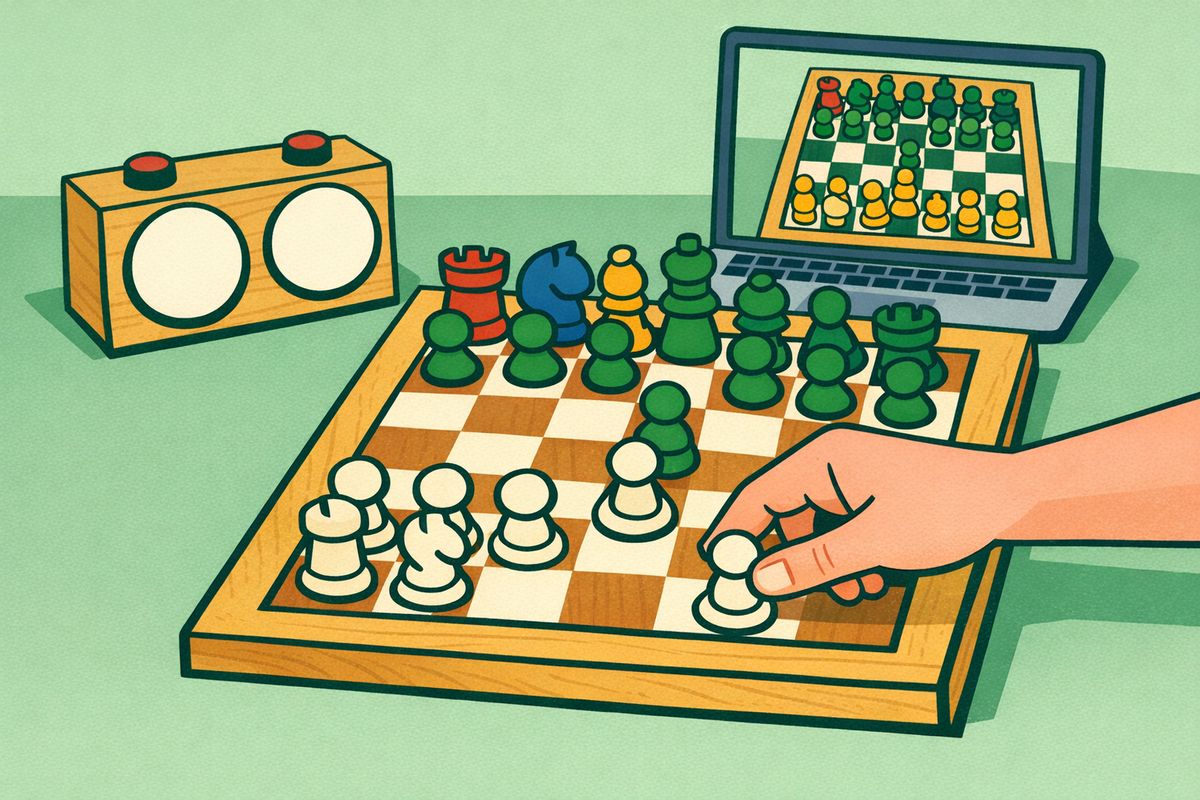
On 10 November 2026 the Beginner level was opened with the white pieces and no clock. The window stayed black for a few seconds and then showed the board. A click on the pawn at e2 lit up the squares e3 and e4. After the move to e4 the computer pushed its own pawn from e7 to e5.
Multiplayer opens a lobby with a list of rooms and three buttons: Quick Match (No Time), Quick Match (5 Min.) and Create Match. The quick match without a clock produced an opponent called “Kind Whale” in about 12 seconds. After one move each, Resign was chosen from the menu.
CrazyGames' own description says the computer has “three difficulty settings”. The game showed 4 on the day of the check.
Nothing is sold in the browser game; the page around it carries adverts
No menu opened during the check showed a shop, coins or a price, and CrazyGames flags the game as having no in-game purchases. One entry, Choose Chessboard, was not opened, so whether every board design is free is not verified.
The CrazyGames page had 3 advert slots around the game: in the right column, under the game and inside the description. No video advert played before the board appeared. The check ran from Thailand, so the adverts served to a British visitor were not seen.
Code This Lab also publishes Master Chess as an Android app. Its page in the UK Google Play store says “Contains ads” and “In-app purchases” and counts more than 100,000 downloads. The app is a separate product and the browser game does not need it.
A stranger sees a nickname and has nothing to type into
Master Chess is one of two games on this list that offer a guest a stranger as an opponent, and the only one where that was tried; the other is Yacht. The online board has no chat box and no emote buttons. The two messages a player can send sit in the menu: Offer a Draw and Resign.
What the other side does see is a nickname. The game invents one for each guest, ours was “Joyful Swan”, and puts a button to draw another and a button to edit it beside the name. Whether “Kind Whale” was a person or a program could not be told after one move.
For a game with a friend, Create Match asks for a room name, a password and a clock. The form warns: “If you don't set a password this room will be public.” After Create the screen showed an invite link and an Invite button. Whether a friend who opens that link as a guest lands in the room was not tested.
CrazyGames' terms bar anyone under 13 from the site. About names shown to other players they say the following.
“… those of our Games which allow you to play against an opponent or to play socially, you agree to your display name, profile picture (avatar), scores, and other related details being displayed to other users.”
CrazyGames, Terms and Conditions, section 7, read on 10 November 2026
Clocks, the same-device mode and saved progress
The clock is chosen before the first move: No Time, or 1, 3, 5 or 10 minutes for each player. With 5 minutes each, a game cannot use more than 10 minutes of thinking time. Without a clock there is no limit.
Play Local puts two people at one device. The label was read on the menu; the mode itself was not started. Analyze and Chess Quiz were not opened either.
CrazyGames showed a banner inviting visitors to log in to save progress. What Master Chess would keep for a logged-in player was not verified.
Sound and phone play were not tested. CrazyGames lists the game for mobile and tablet browsers and for its own app.